Perx Ordering Process
Perx Card Ordering Guide
Follow the steps below to order Physical and Digital cards from our new ordering process.
Step 1.
Begin your order on our website by visiting Order Now | Perx Rewards
Step 2.
Choose the type of card you want and follow the prompts to complete your order.

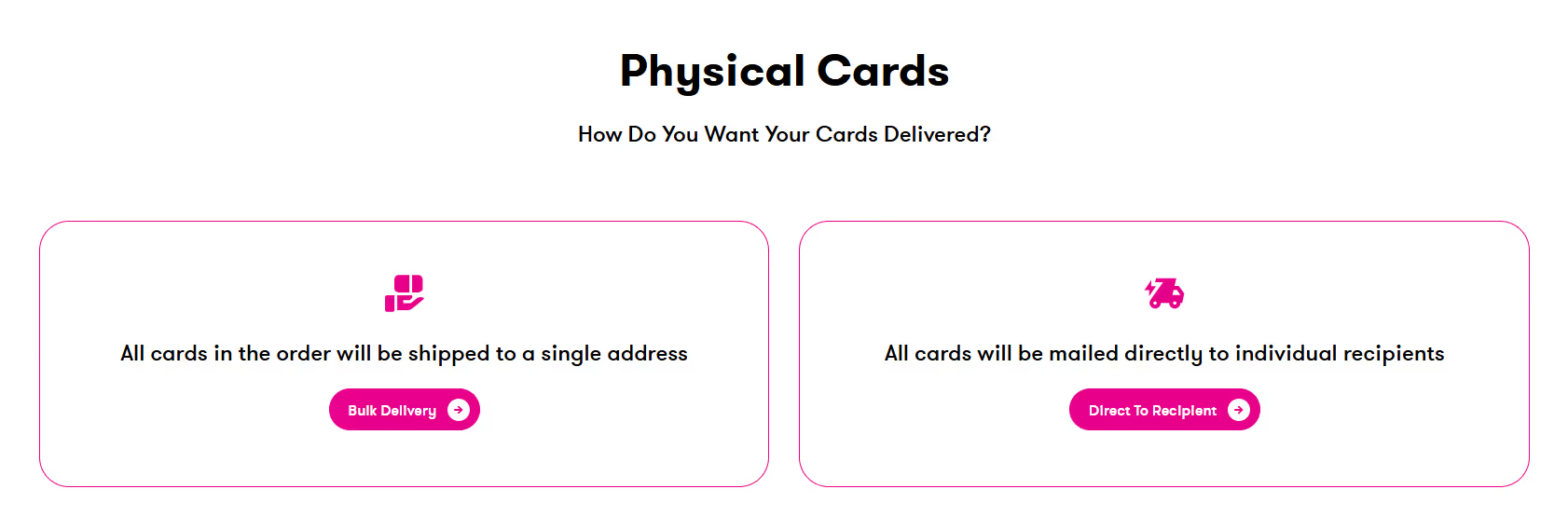
For Physical Card orders you will need to choose a delivery method.
Step 3.
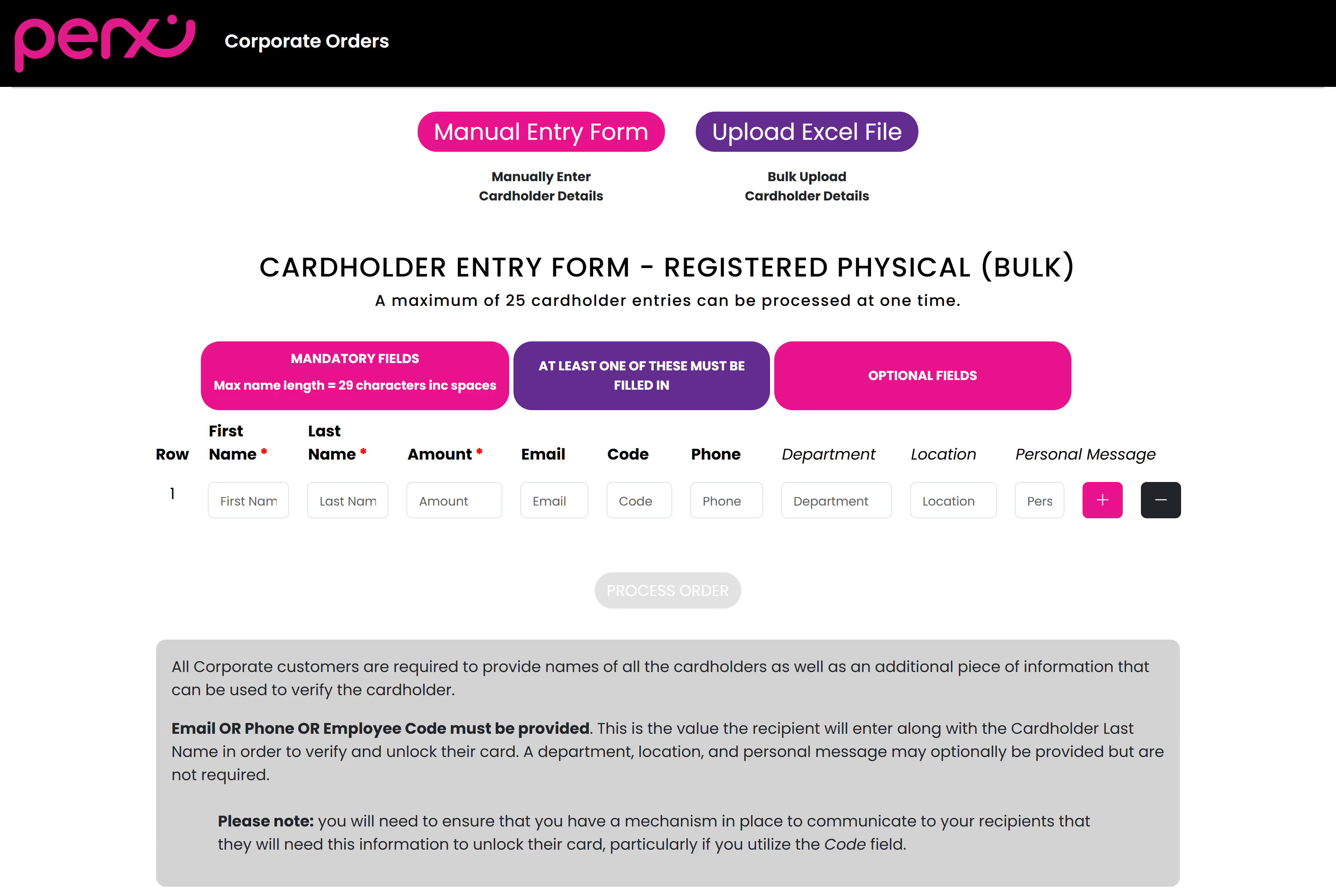
Carefully review the instructions for ordering either a single card or placing a bulk order. For bulk orders and Direct to Recipient orders, you'll need to upload a spreadsheet.
Access the appropriate templates here:
- For physical bulk card orders: Physical_Bulk_Order_Template_Batch
- For physical Direct to Recipient card orders: Physical_DirectToRecipient_Order_Template_Batch
- For digital cards: Virtual-Digital_Order_Template
Please ensure that all name fields are completed using full names only, consisting of First Name and Last Name.
- Do not include middle names, initials, titles, or any special characters (e.g., . , ( ) /).
- Enter alphabetic characters only.
Once your account details have been verified by our onboarding team, we will be able to send you an invoice.
Step 4.
Customer Details
Returning Customers
If you've ordered from us before, please supply either your email address or Company CRN (Company Registration Number), along with your last invoice number.
Periodic updates to account information may be required; if so, our onboarding team (perxduediligence@emlpayments.com)will contact you directly.
New Business Customers
All first-time business clients must complete standard security checks, known as Know Your Business (KYB). These checks are carried out automatically using your submitted details, but sometimes additional information might be necessary. If extra documentation is needed, our onboarding team (perxduediligence@emlpayments.com) will assist you through the process.

Step 5.
Invoice and Payment
After your account details have been verified by our onboarding team, we will issue your invoice. Please ensure that payment is made to the IBAN listed on the invoice, as this will enable your order to be automatically funded upon receipt.
Please note that we are now VAT registered. As a result, VAT will be applied to all corporate fees where applicable.
Our VAT Registration Number is 9569373T.
Delivery timelines after payment is received
- Bulk physical orders: 5–7 working days
- Direct delivery to recipient: 10–14 working days
- Digital cards: 1 working day
Step 6. Payment
Upon successful eKYB verification, you’ll receive an email with an invoice for payment processing.