Google Wallet
Digital Card Activation Guide
Add your Perx® Digital Card to your
Google Wallet
1
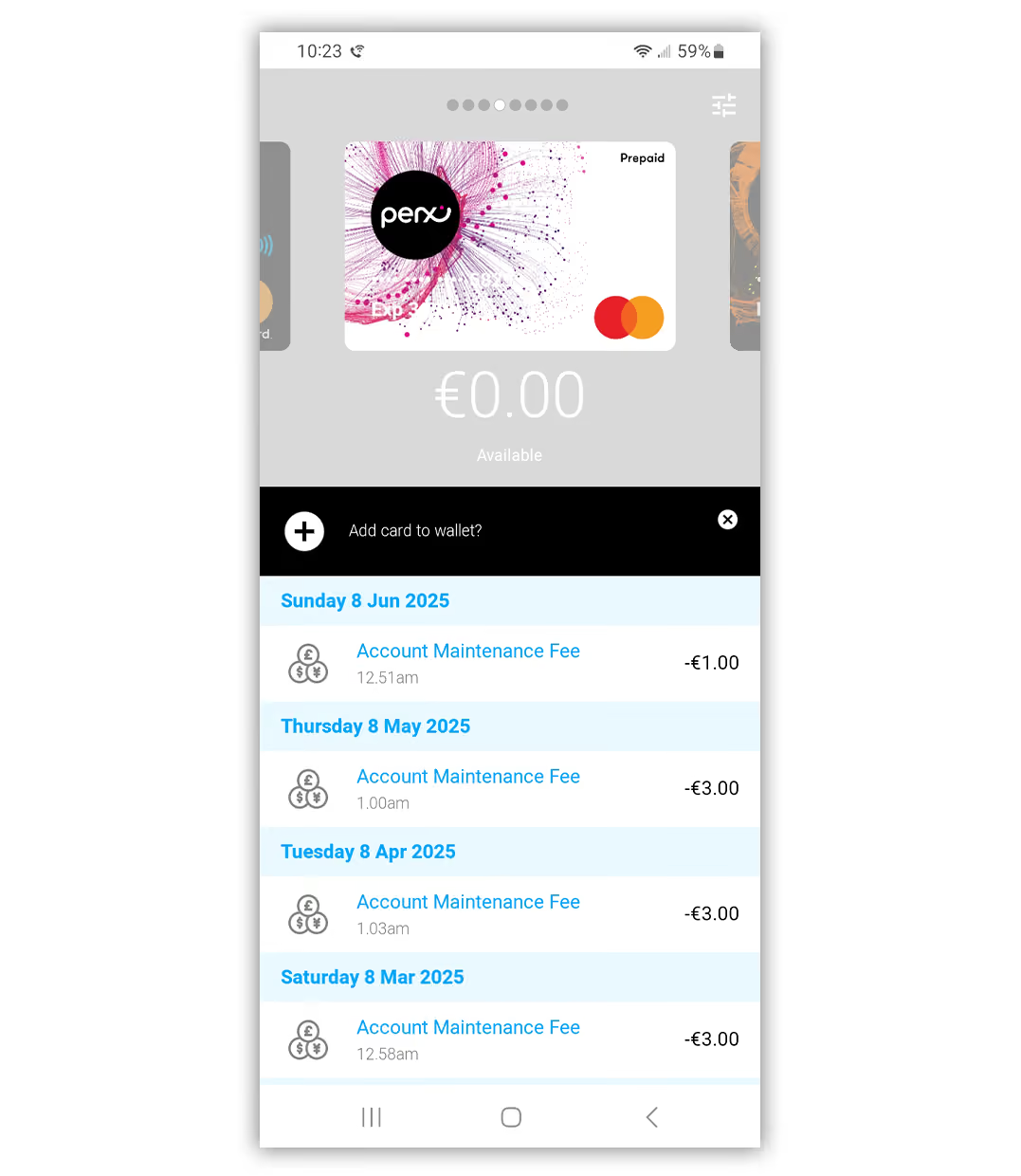
In the get my ecard app select
“+ Add to Wallet”
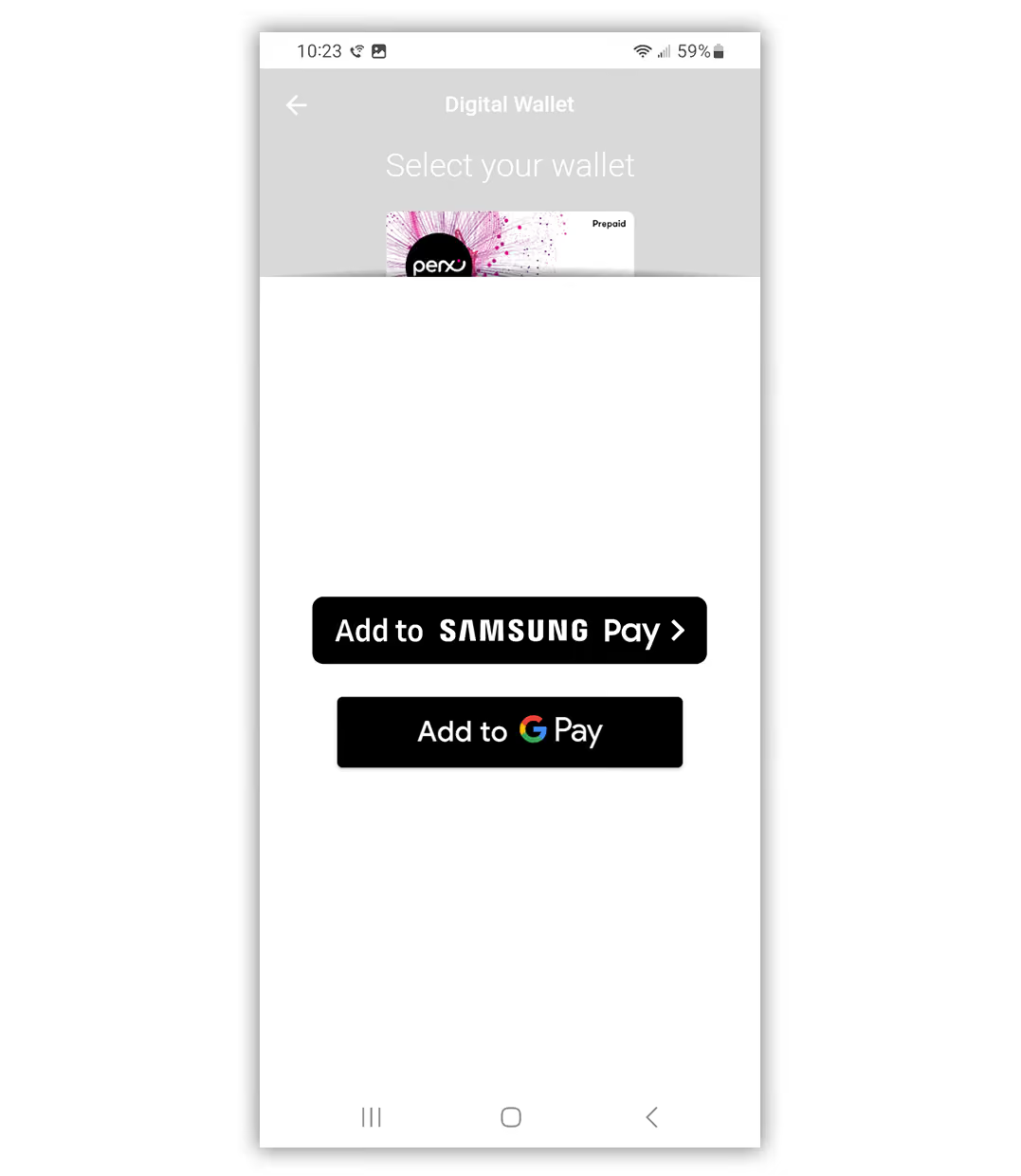
2
Select the wallet you wish to add your Perx card to
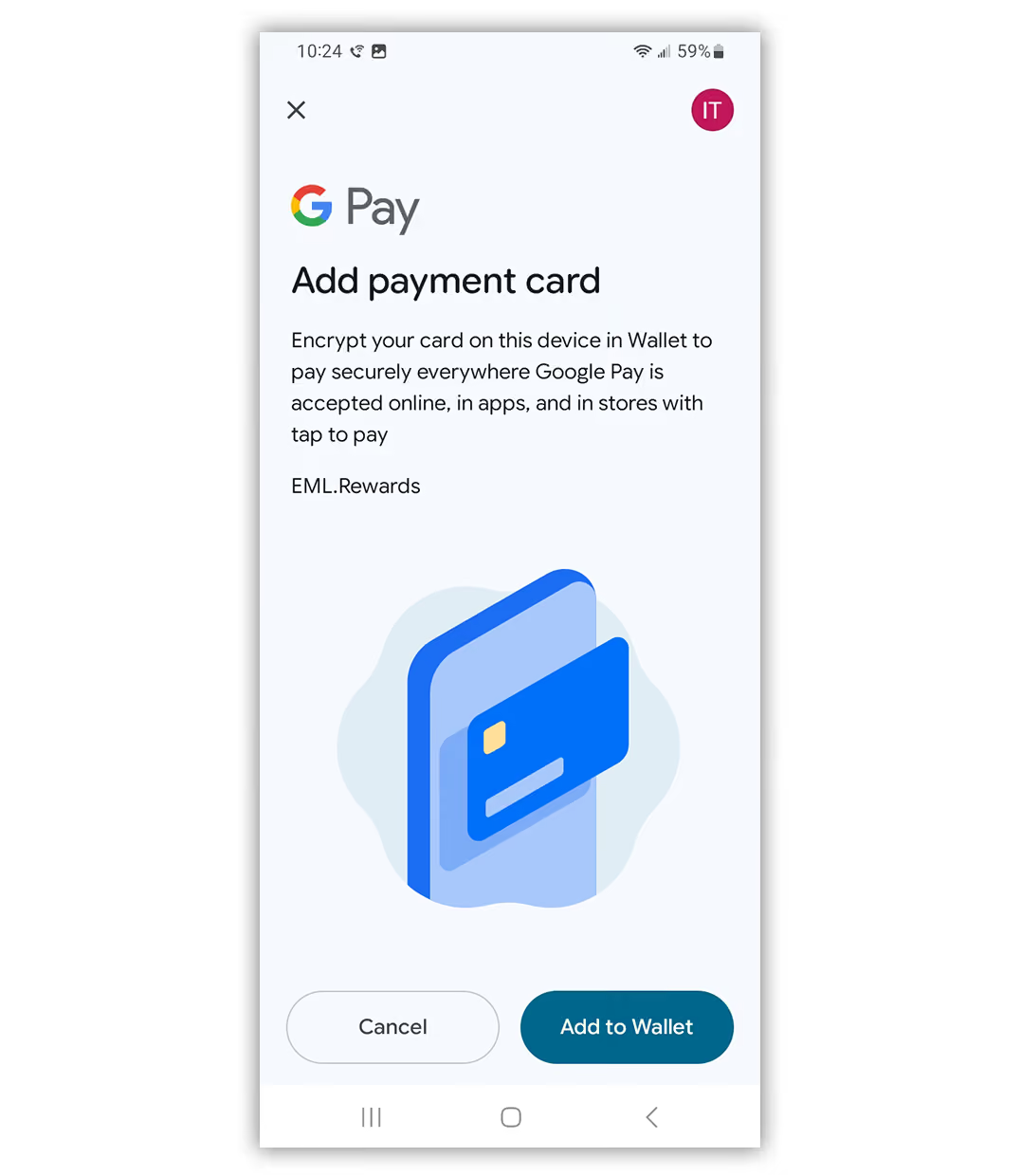
3
Confirm the wallet you wish to add your card to
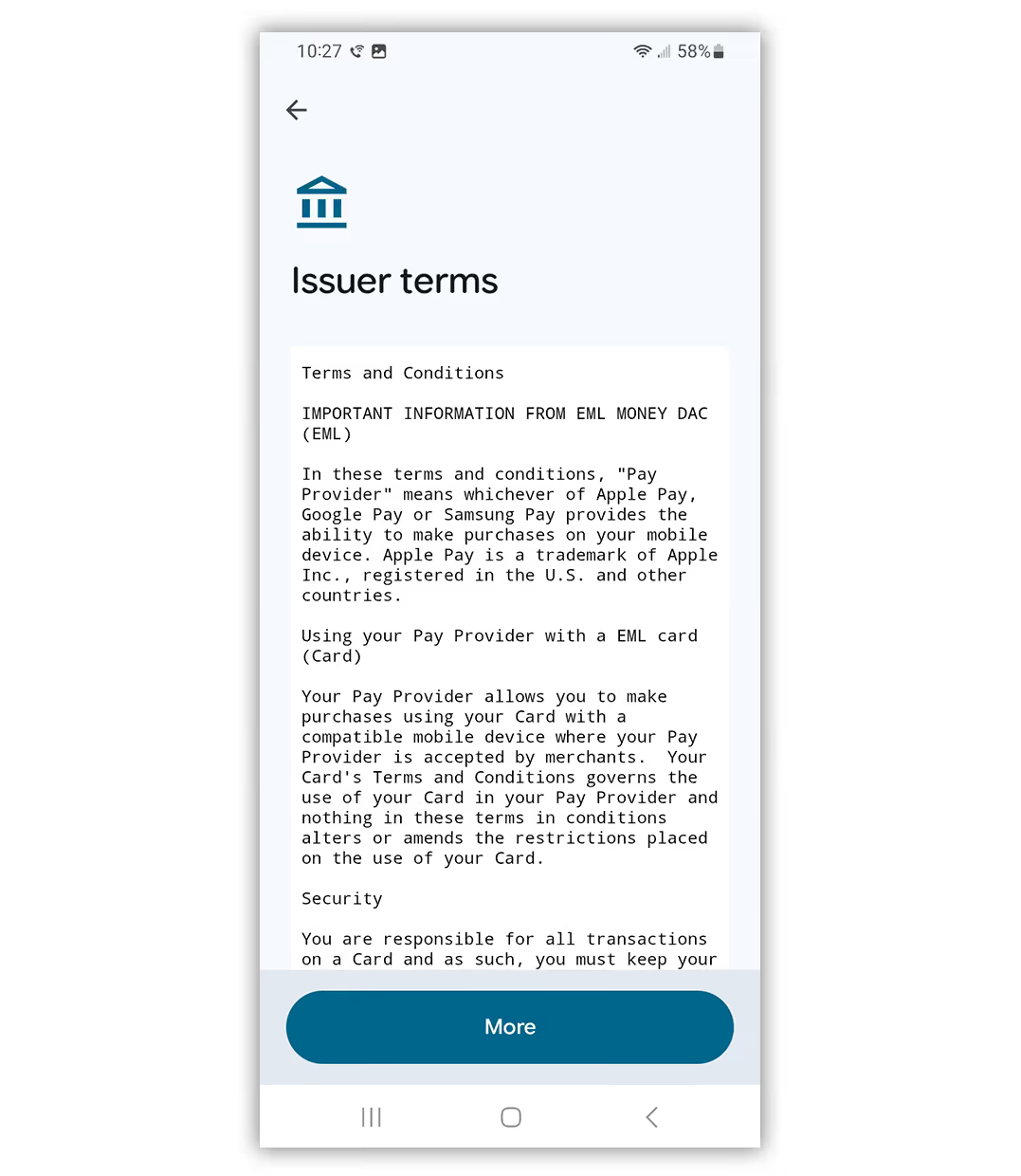
4
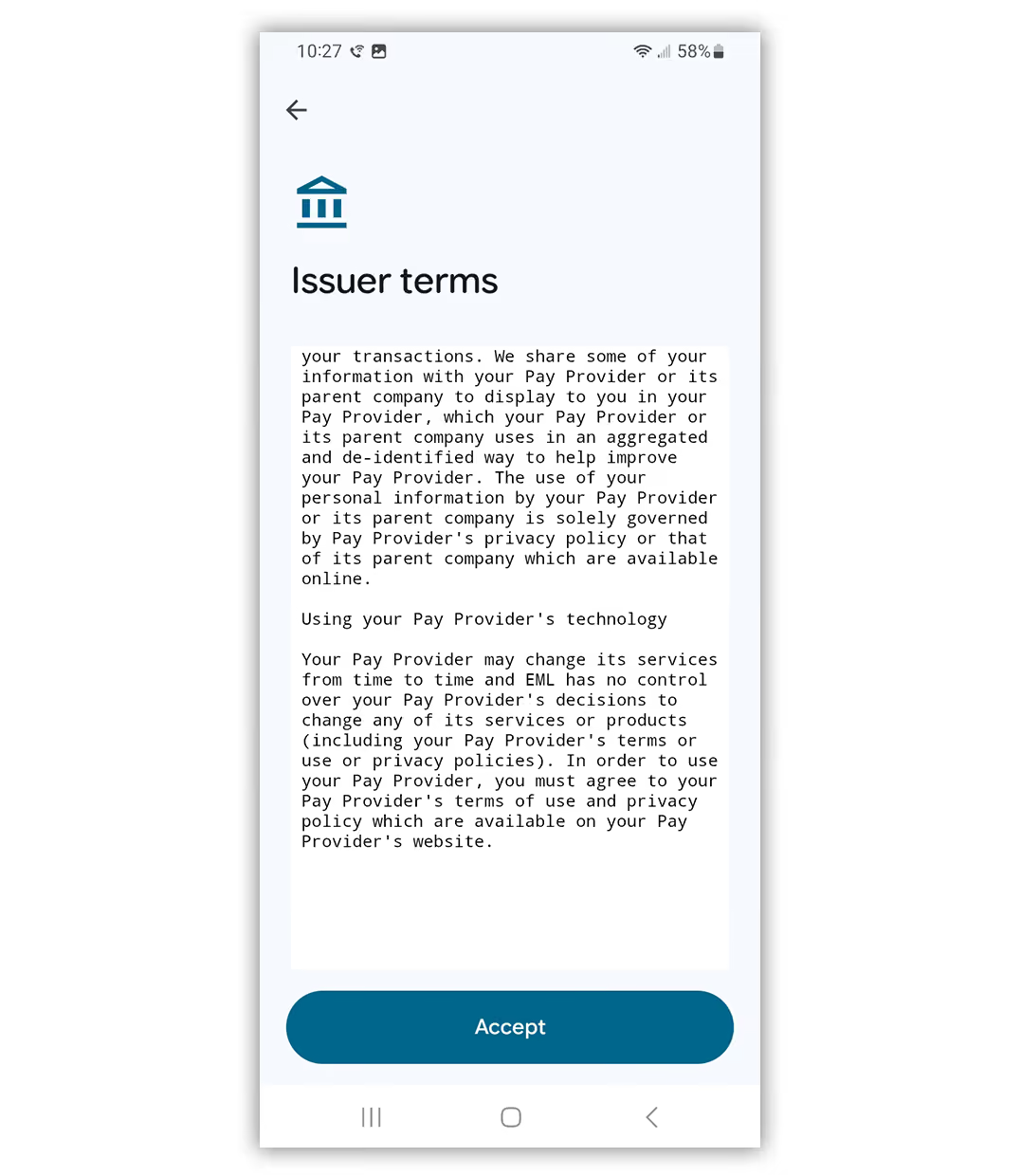
Read through the Terms & Conditions
5
Accept the issuer T&Cs
6
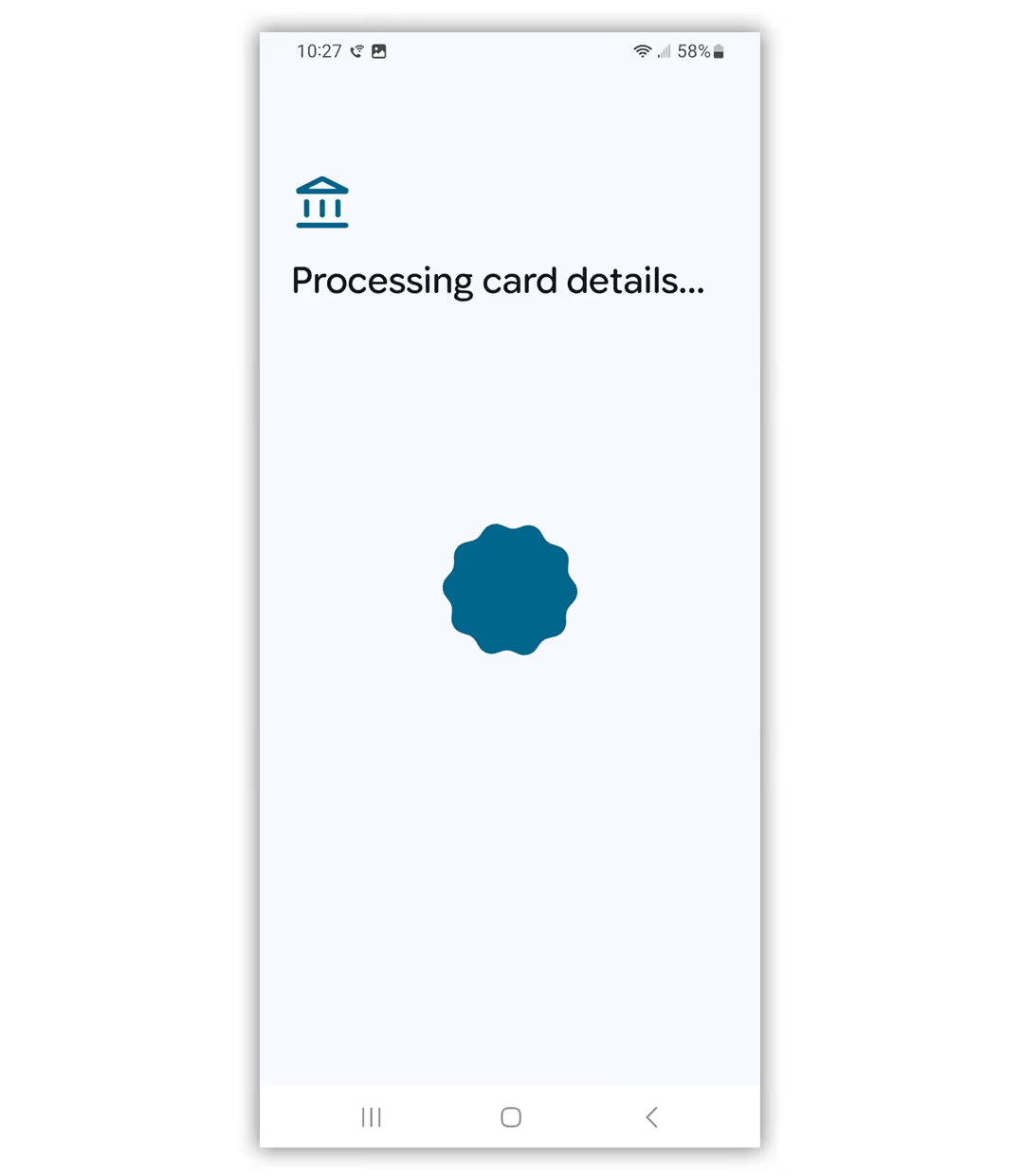
Google wallet will process your card details
7
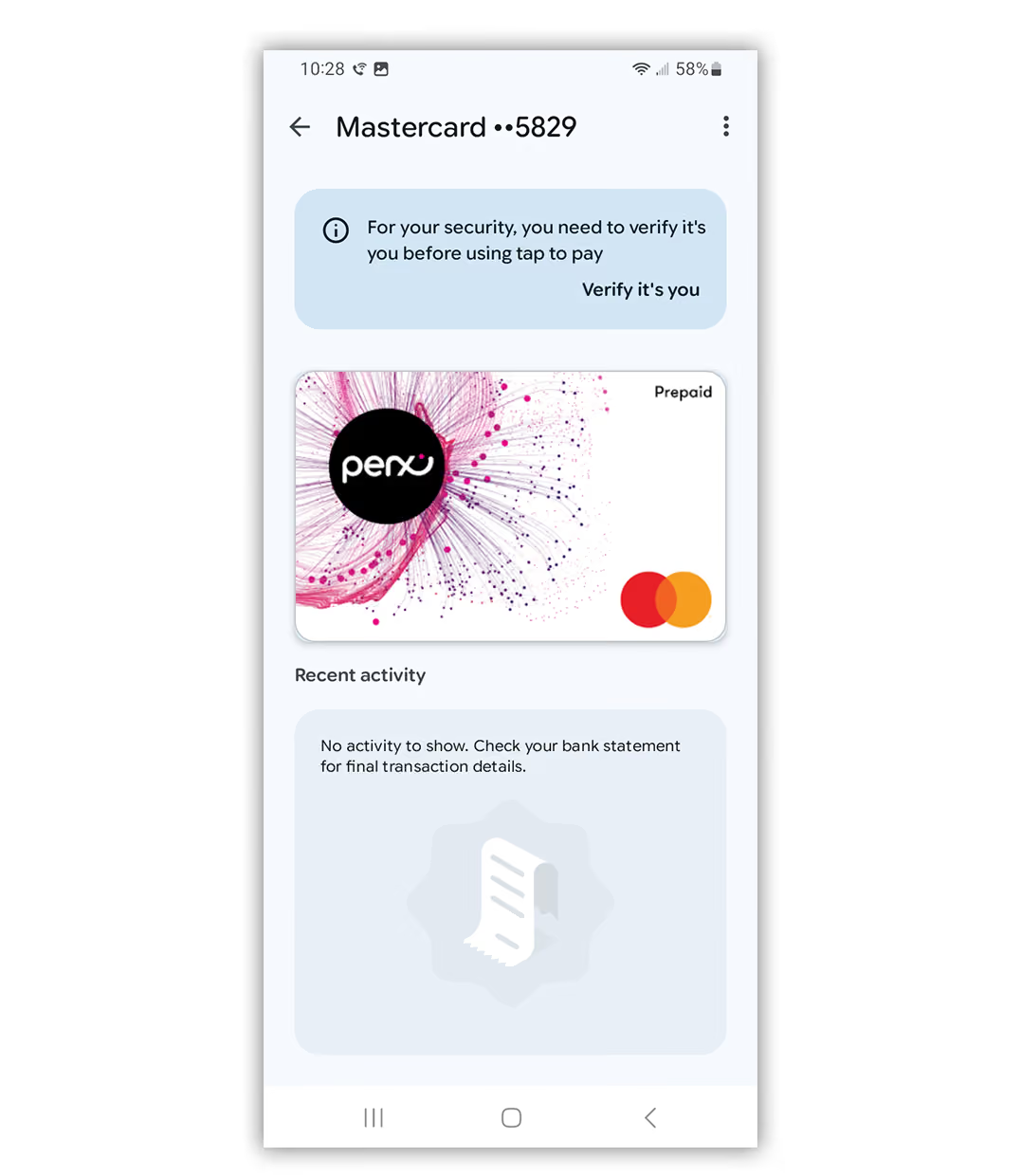
You need to verify your details to finalise adding your card to the wallet
8
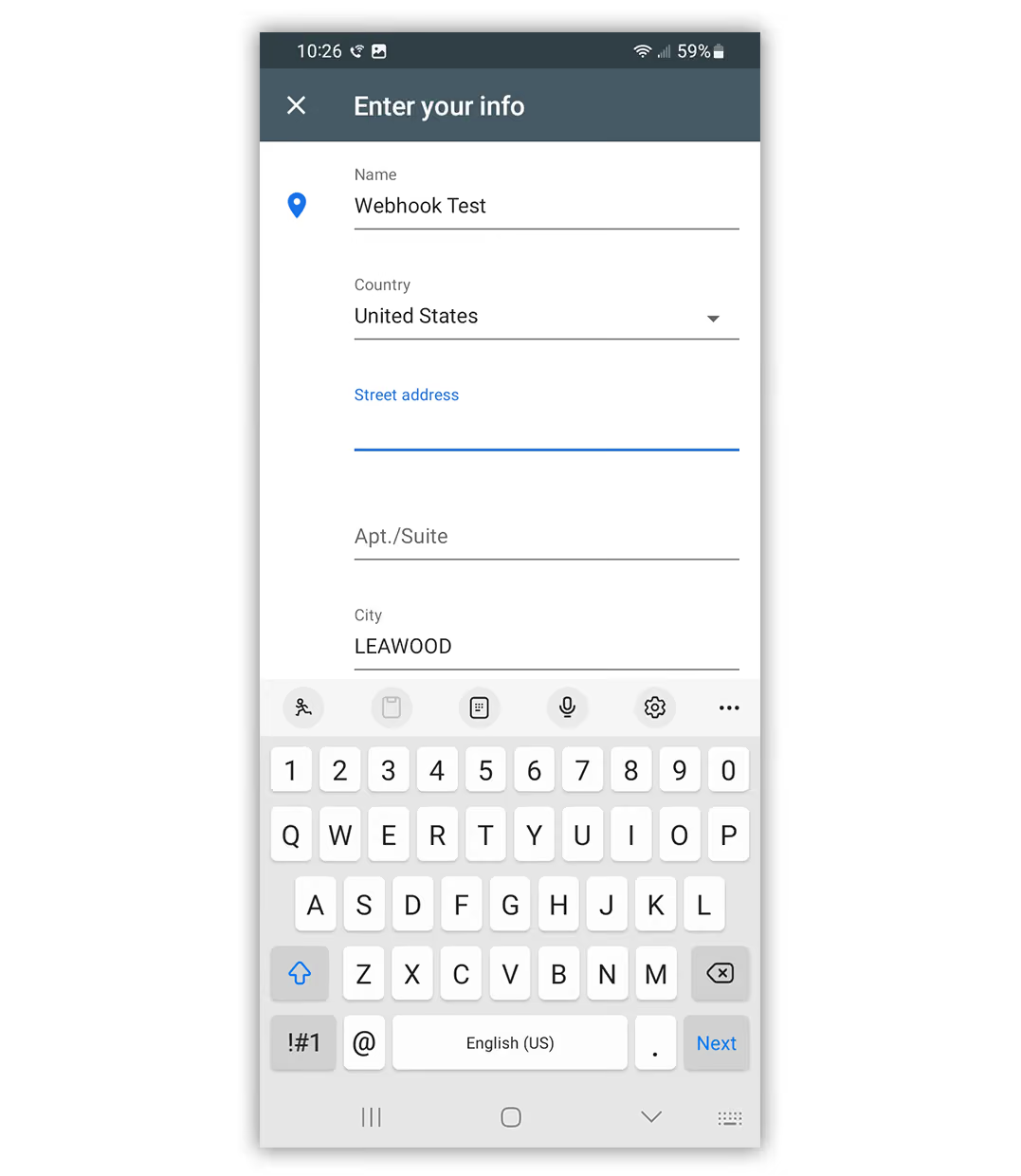
Enter the requested details
9
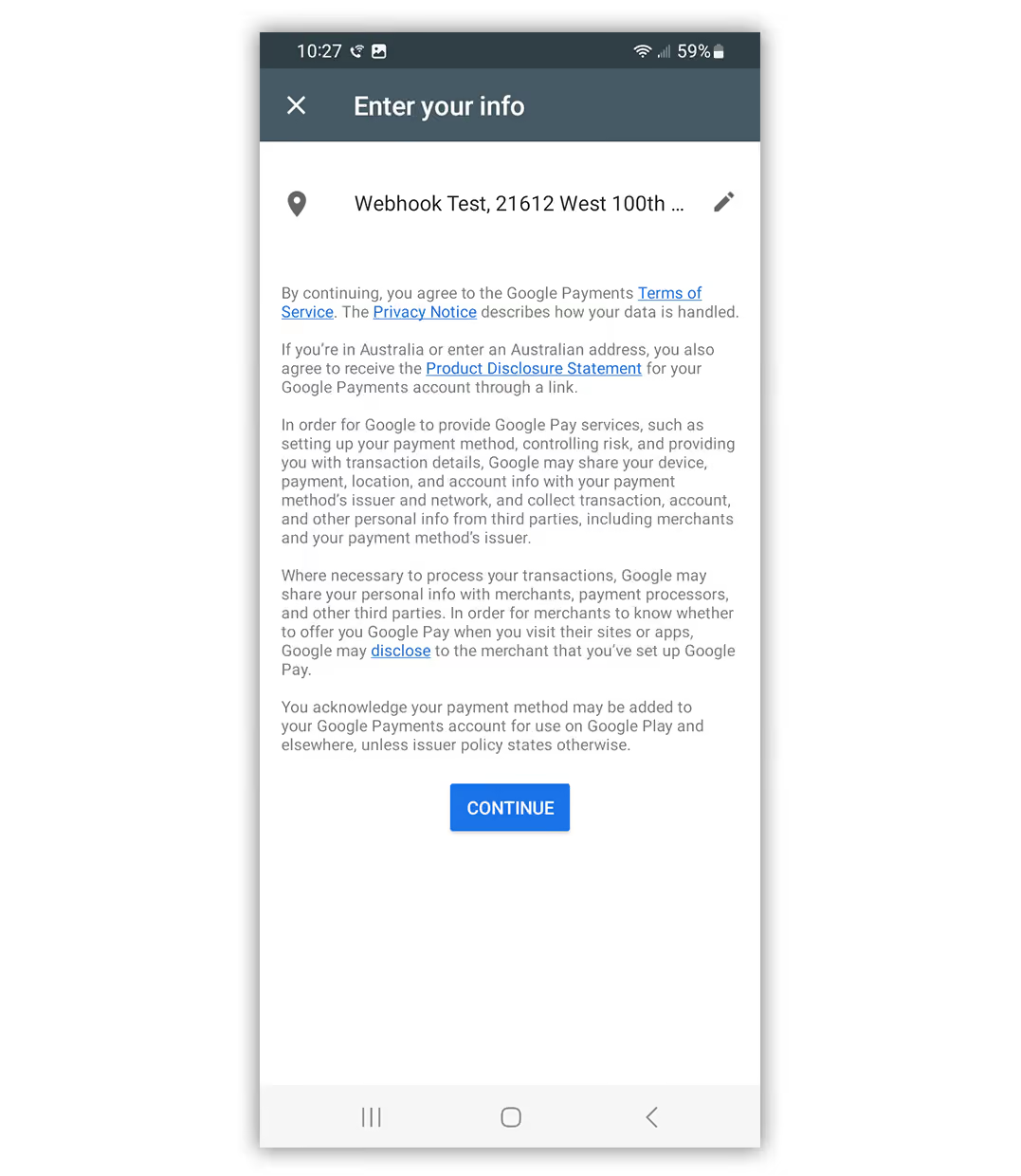
Click “Continue” to confirm your details
10
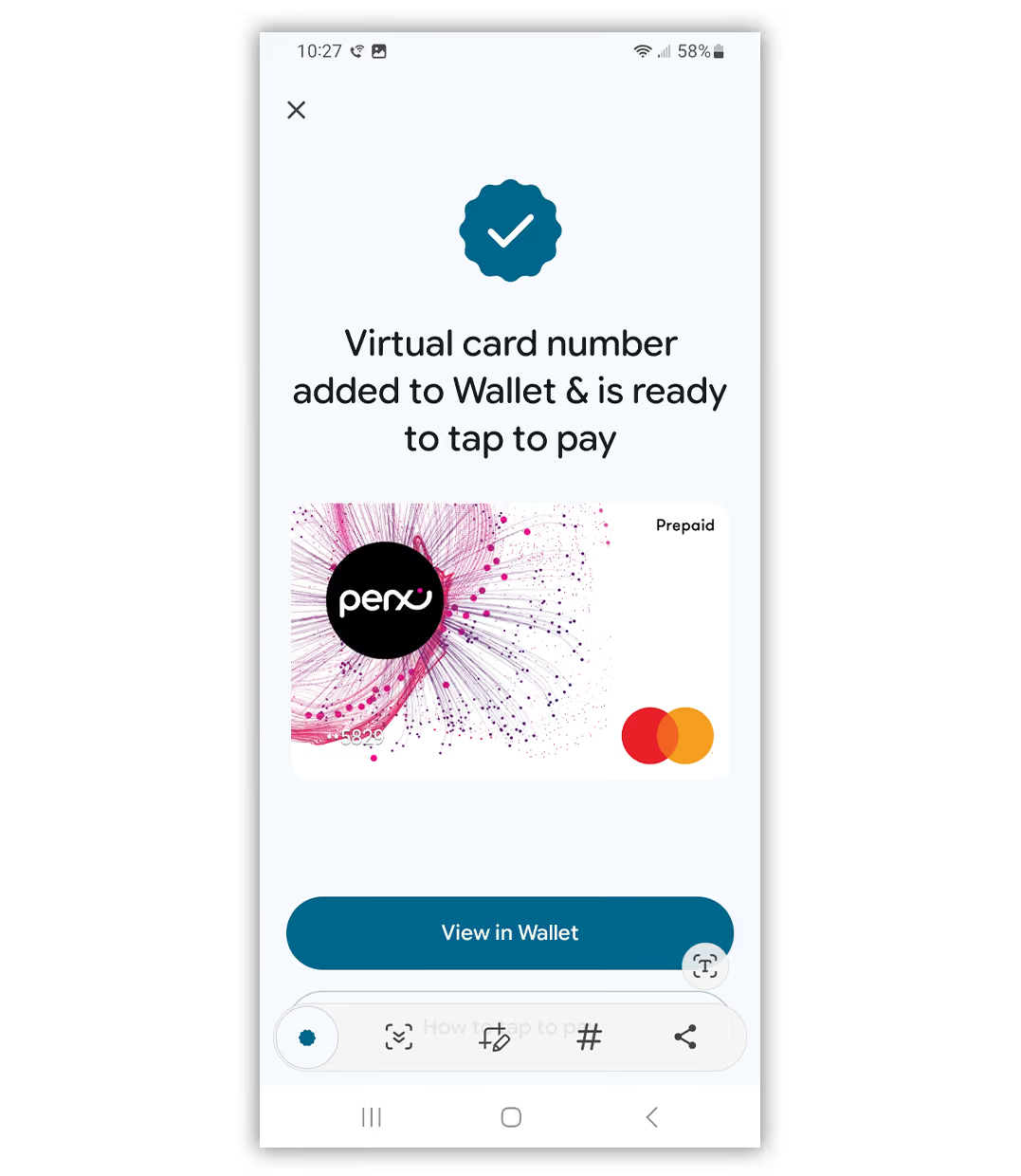
Your card has been added to your wallet. Select “View in Wallet” to see it in your specific wallet
11
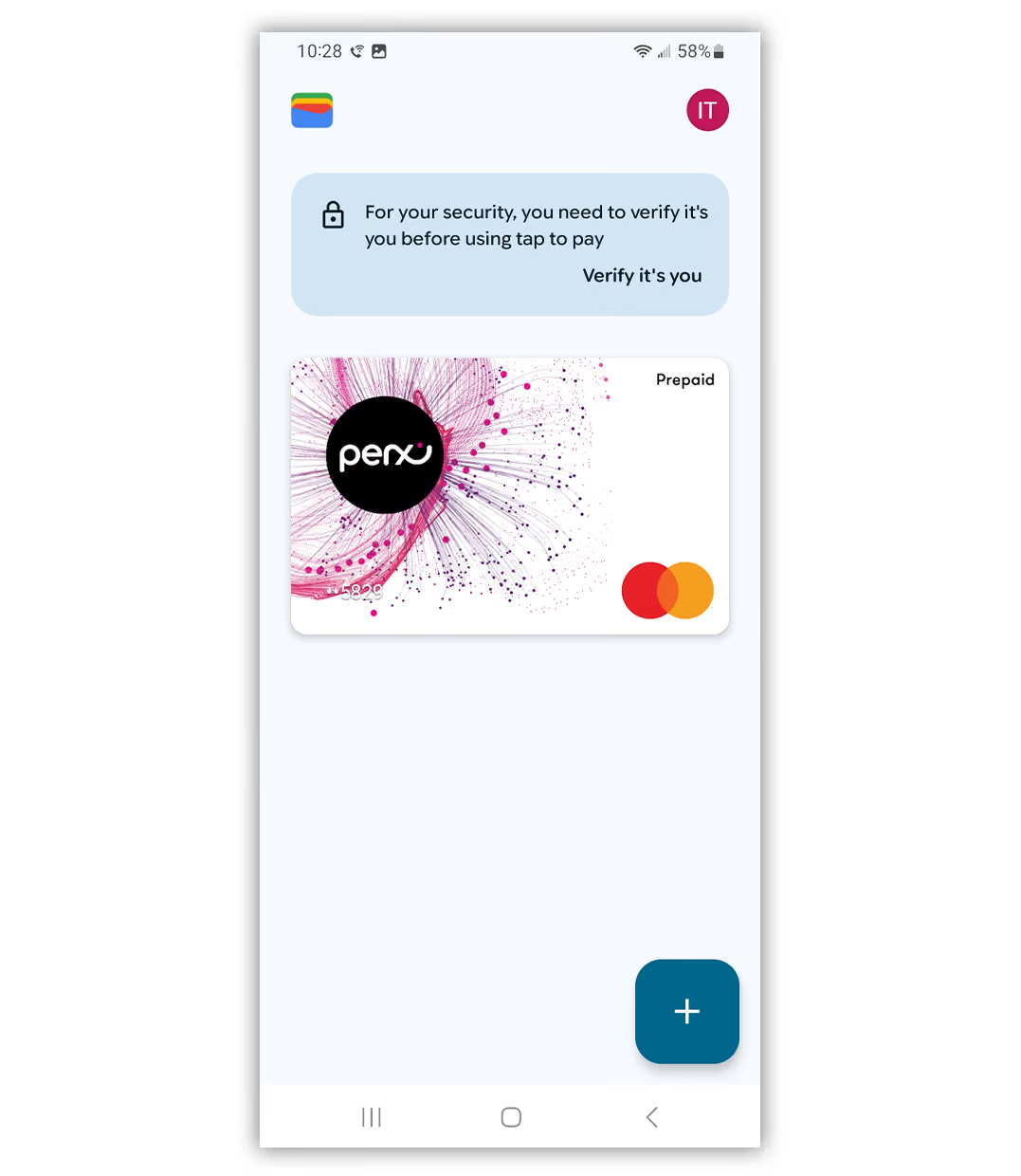
Your Perx card is now in your android wallet