Physical Reward Card Activation Guide
How to activate your physical Perx® Card
Follow the steps below to activate your card and start enjoying your rewards.
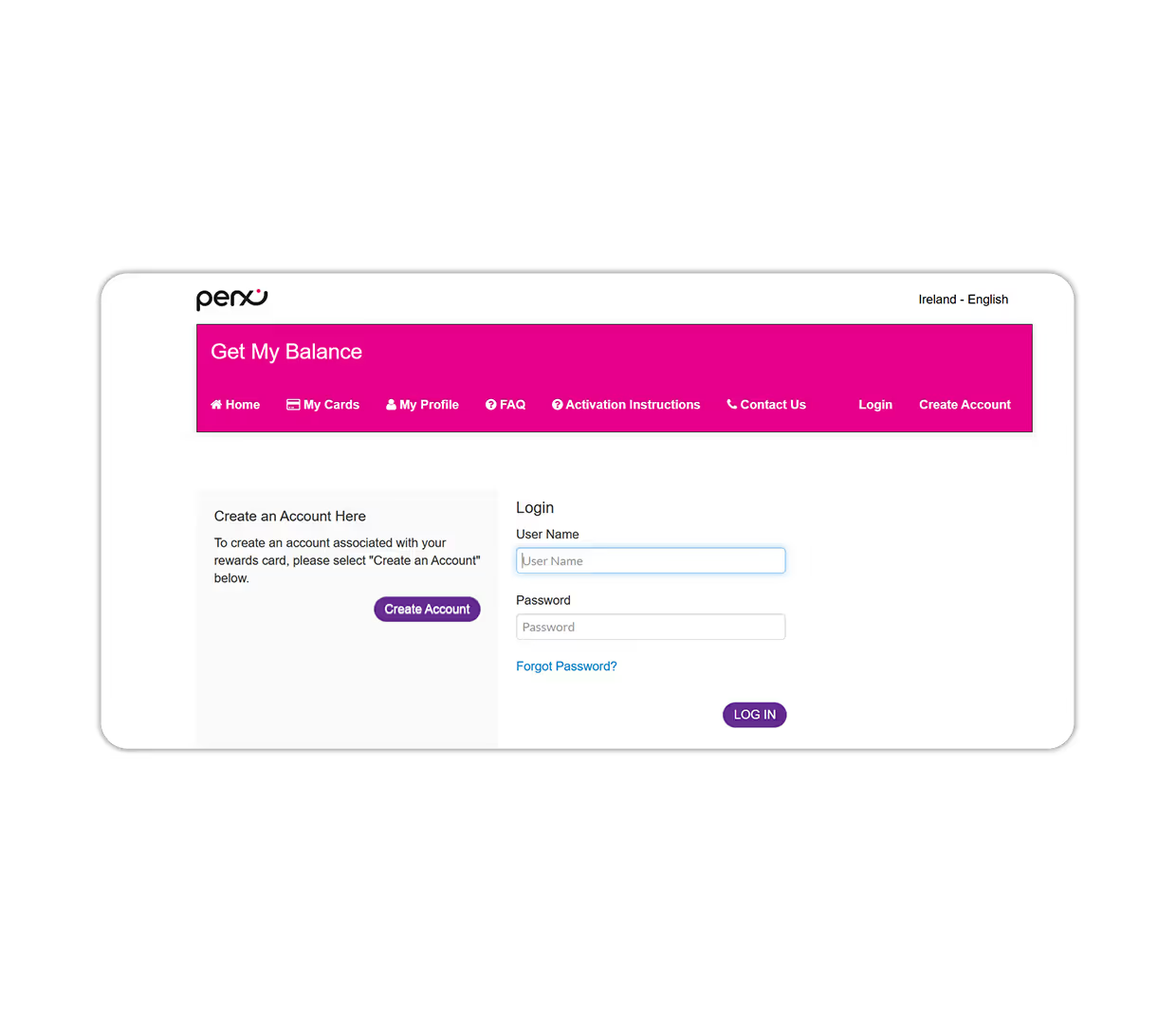
Create your new account (new cardholders)
Visit perx.getmybalance.com to begin
If you are a new account holder, click on the "Create Account" button.
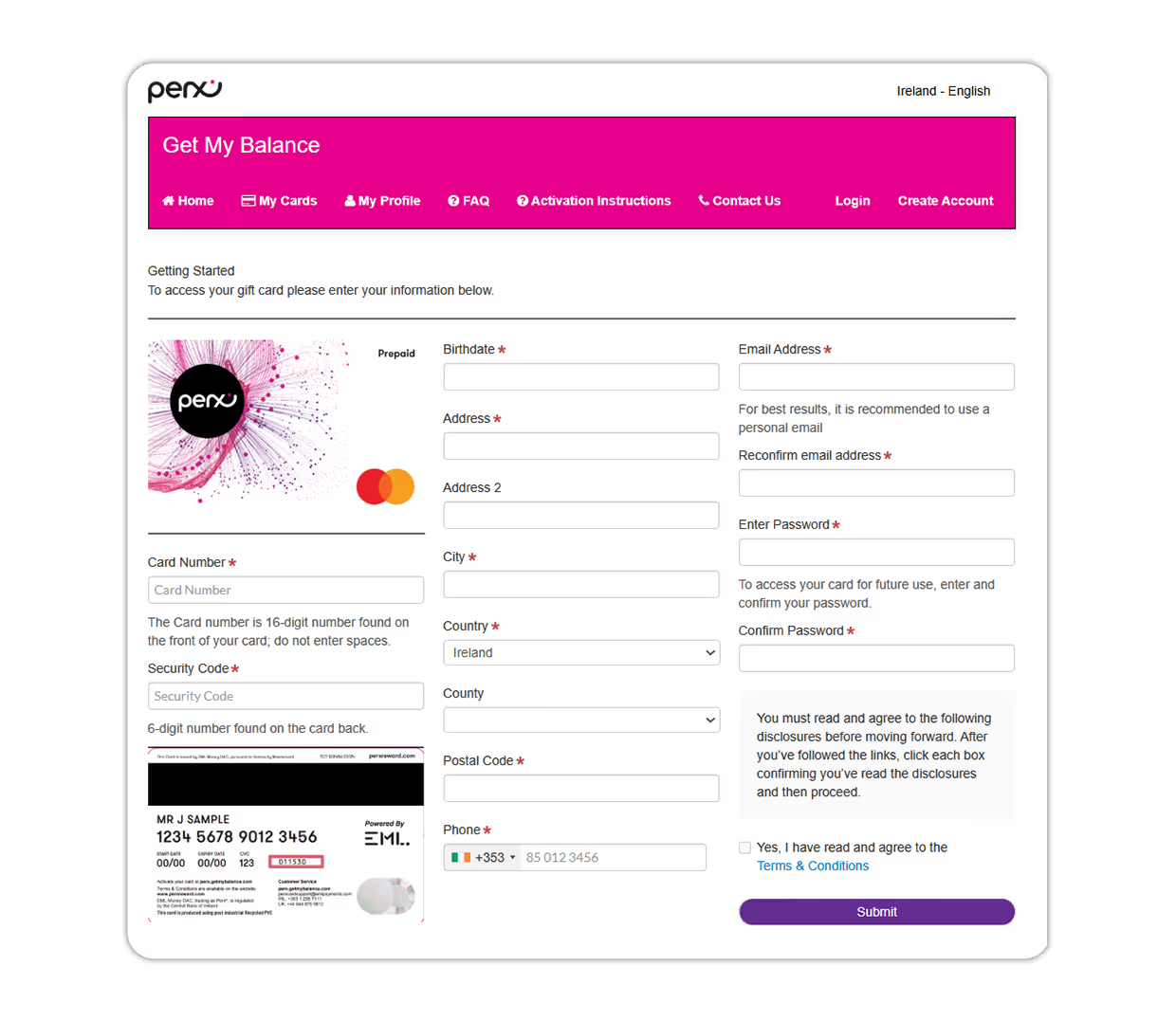
Complete the required Information
Fill in all the necessary details on the page that appears.
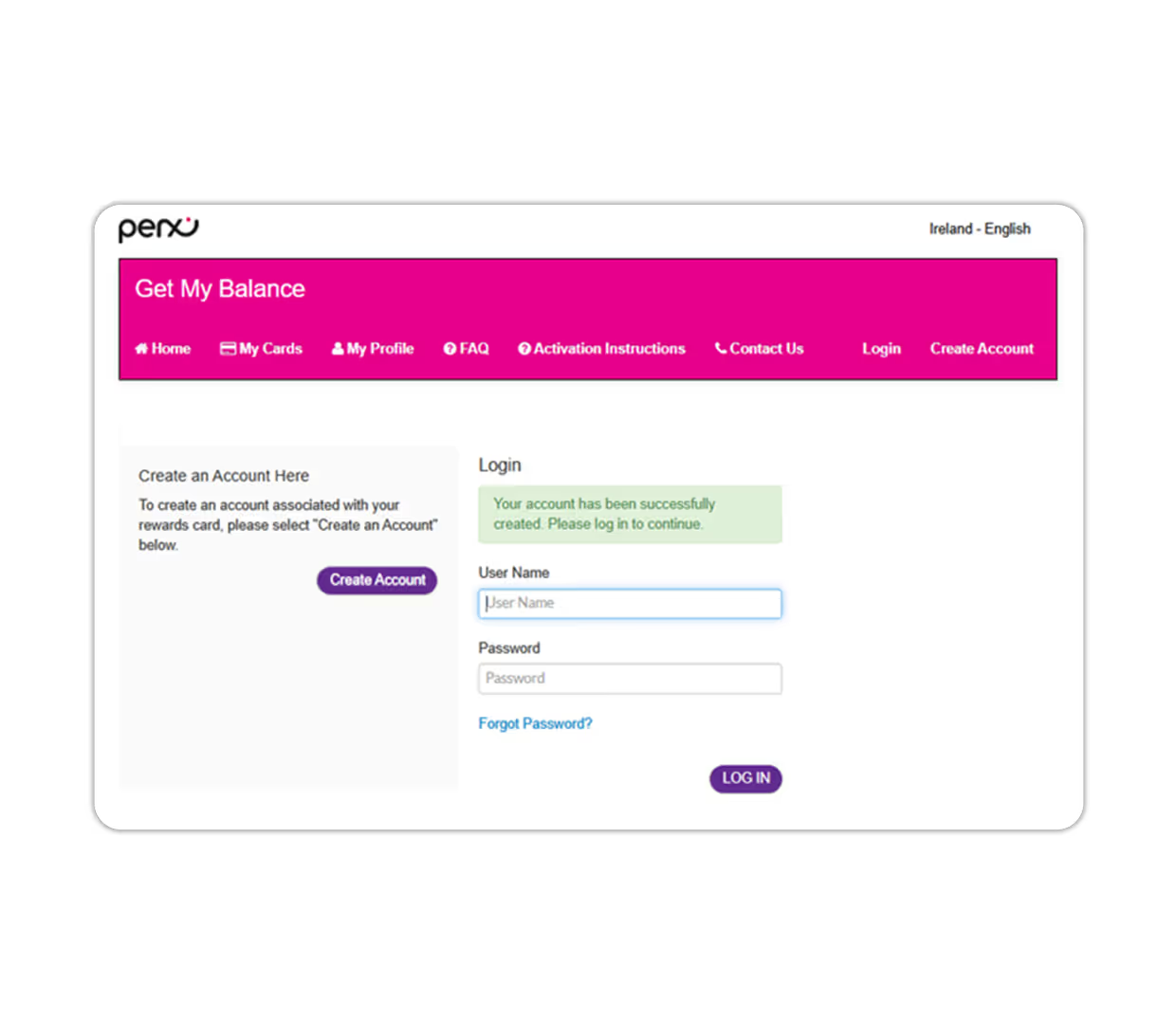
Enter your login details
Once your account is created or if you are an existing user, log in with your username and password.
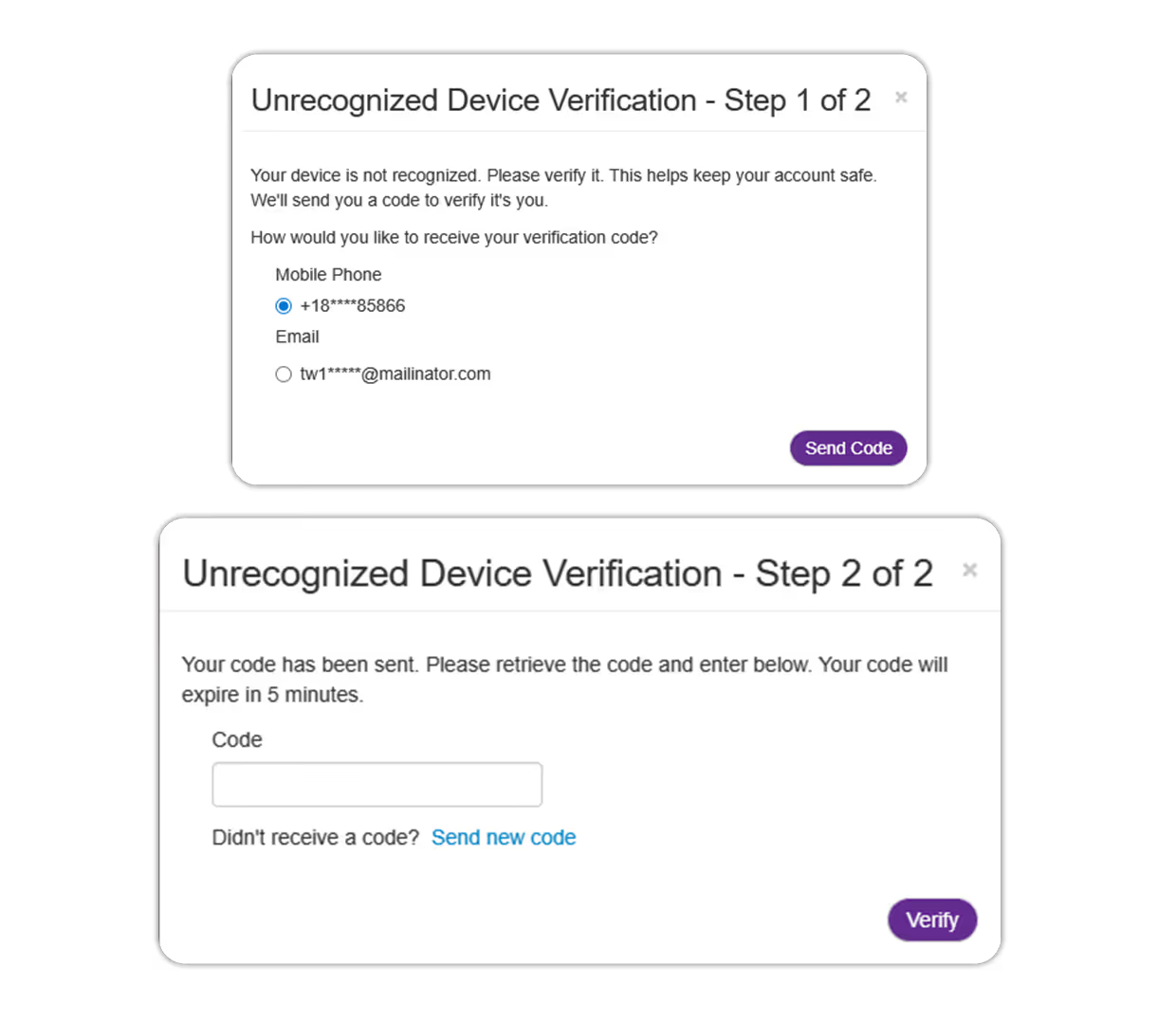
Card Activation Prompt
After logging in, the system will prompt you to select your preferred notification method for MFA (Multi Factor Authorisation) for account security.
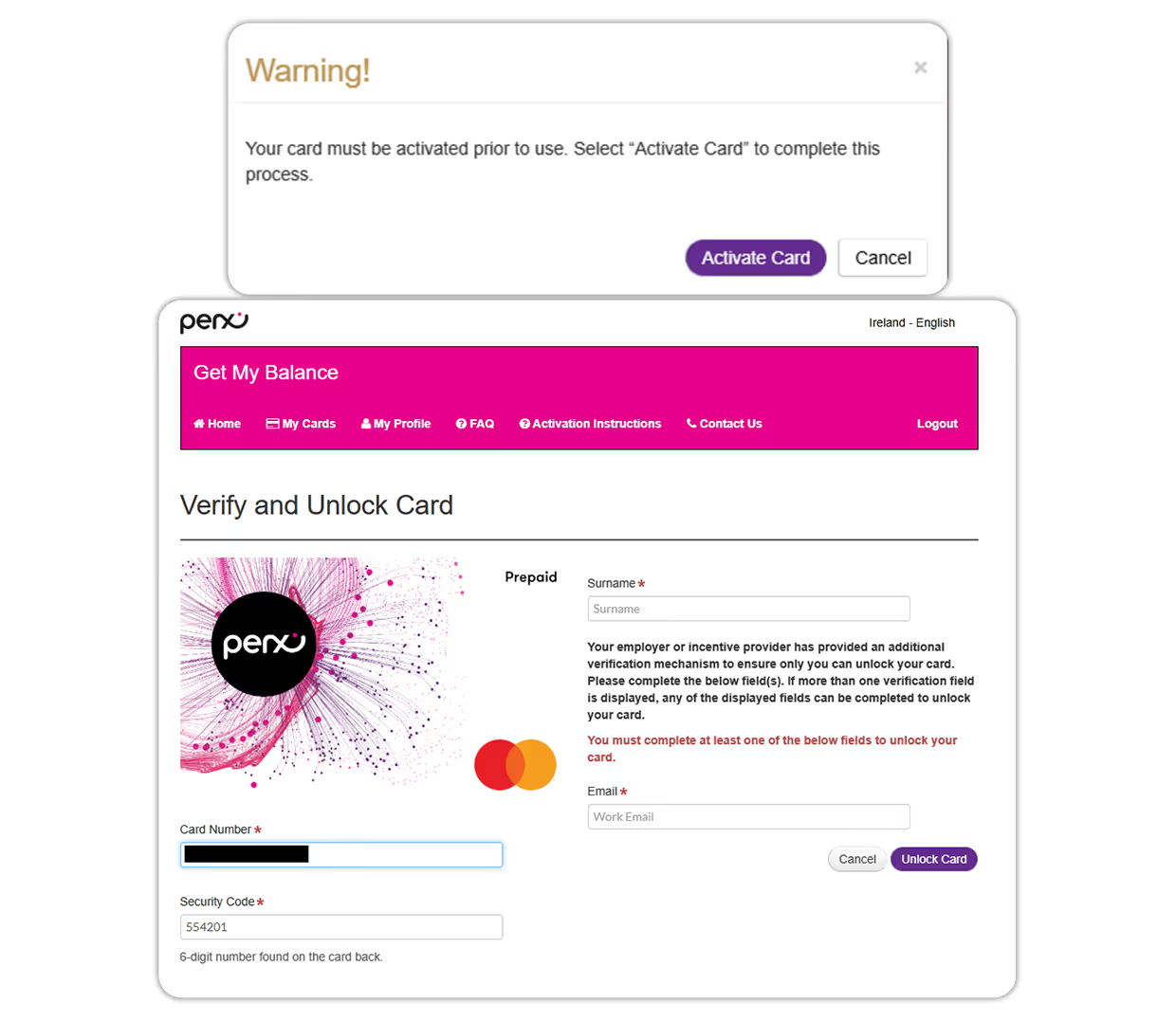
Follow the Instructions to Activate
You will then be notified that your card needs to be activated.
Follow the on-screen instructions to successfully activate your card.
Code: This will be either your email address, telephone number, or a unique code provided by your employer.
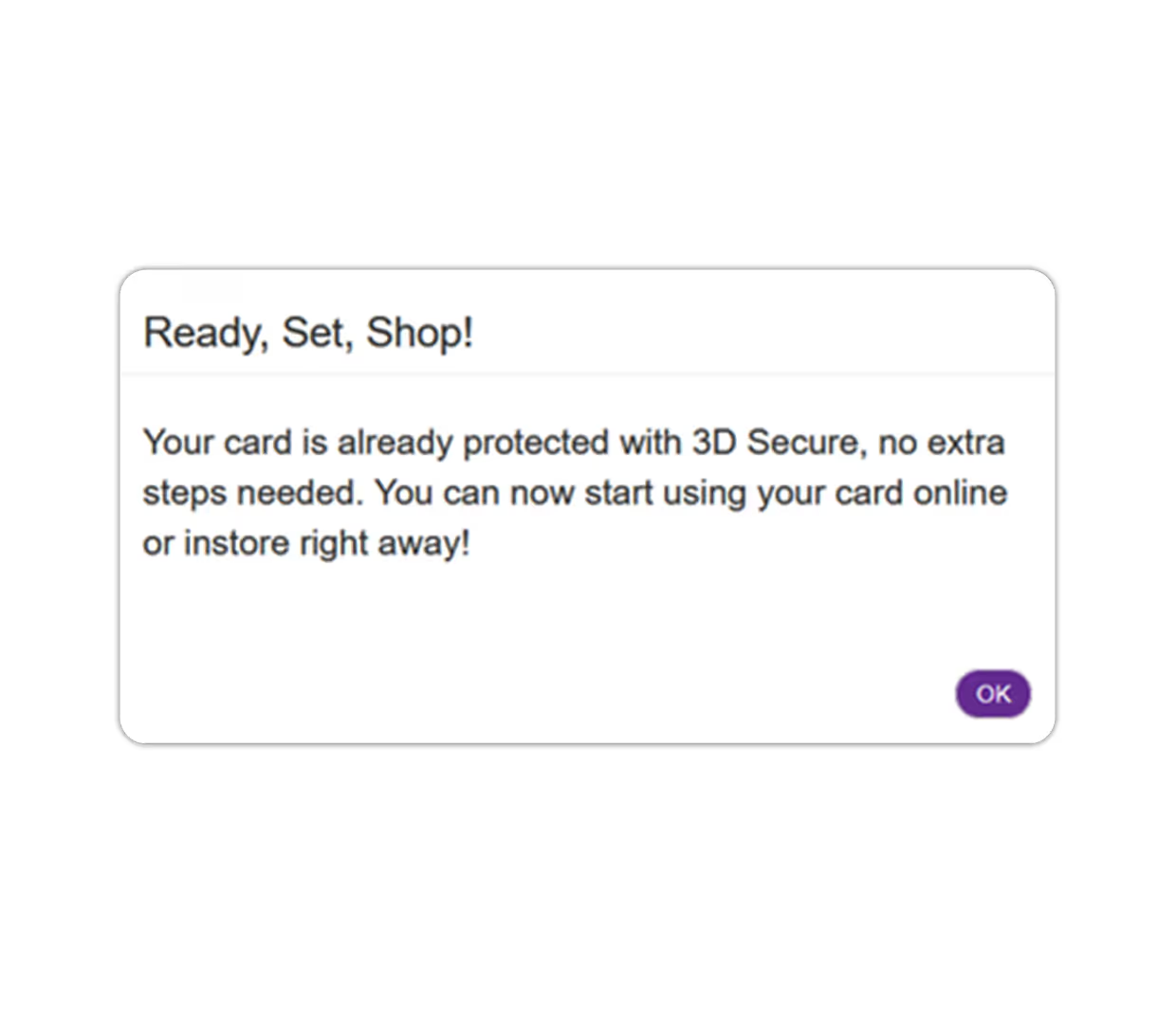
You are all set up and ready to shop! Enjoy!